Managing inventory for a retail or wholesale business is rarely as simple as counting boxes on a shelf. As a business grows, so does the complexity of its catalog. This is especially true in industries like building materials, fashion, or hardware, where a single product category fragments into dozens of sub-categories.
Take ceramic tiles, for instance. A “tile” doesn’t just exist as a standalone item. It breaks down into brands, usage types (wall vs. floor), physical dimensions (300x600mm, 600x600mm), and an endless spectrum of colors, patterns, and finishes.
If your inventory management software isn’t built to handle this complexity elegantly, it quickly becomes a bottleneck. In this article, we will explore the best strategy for handling complicated, multi-variant products, using Stocker ERP as a case study in modern, user-centered system design.

The Problem: The “Matrix” Trap
Traditional inventory systems often rely on deep, nested matrix structures to handle variations. On a database diagram, this looks incredibly organized:
- Select Brand
- Select Category
- Select Size
- Select Color
However, what looks good on paper translates poorly to the Point of Sale (POS). If a cashier has to click through four different dropdown menus just to ring up a single box of tiles, you have built friction directly into the checkout process.
Furthermore, deeply nested variations are a primary culprit for data conflicts when systems need to sync offline sales back to the cloud. When internet connectivity drops, relying on complex relational databases can lead to syncing errors and inaccurate stock counts.
The Solution: Flat Architecture at the POS
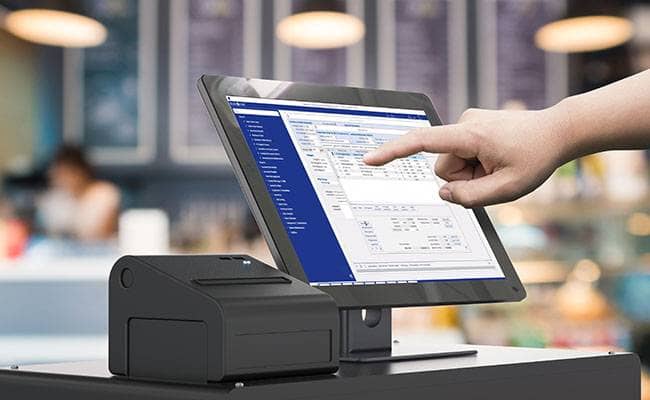
The secret to managing complex products without slowing down daily operations is to flatten the hierarchy. By baking the fixed, less dynamic attributes directly into the base product title—and leaving only the highly dynamic aesthetic attributes for the variation engine—you keep the database flat and the POS interface lightning fast.
Here is how we implement this “flat architecture” strategy within Stocker ERP.
Step 1: Standardize the Base Product Title
To ensure searchability and reporting accuracy, combine the fixed attributes into the primary product name. Because physical size dictates storage space, pricing tiers, and shipping weight, it belongs in the base title.
- The Formula:
[Brand] + [Category/Type] + [Size] - Example A: Virony Wall Tiles 300x600mm
- Example B: Goodwill Floor Tiles 600x600mm
Step 2: Utilize Single-Level Variations
Now that the base product is locked into a specific size and brand, the only remaining choice for the inventory manager or cashier is the aesthetic variation (the color or finish).
Instead of a multi-step process, you assign these directly to the newly named base product:
- Parent Product: Virony Wall Tiles 300x600mm
- Variations: Matte White, Glossy Red, Ocean Blue
Step 3: Map SKUs Directly to Variations
To ensure absolute accuracy, map the manufacturer’s code or a custom barcode directly to the final variation. When a barcode is scanned, the system instantly bypasses all selection screens and adds that specific color to the cart.
The Business Impact of Flat Architecture
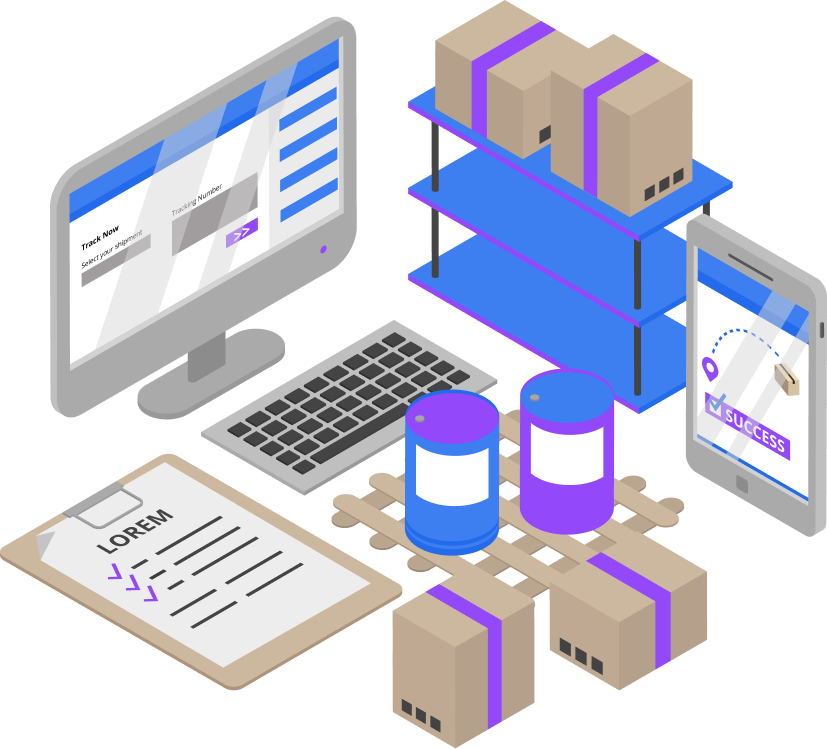
Structuring complex inventory this way goes beyond just keeping your database tidy. It has a direct, measurable impact on how your staff operates and how your business functions.
- Frictionless Checkout Speed: A 1-to-1 mapping between a physical barcode and a variation means zero pop-ups for the cashier. They scan the item, it drops into the cart, and the line keeps moving.
- A Cleaner, Lighter User Interface: By bypassing multi-step selectors, the POS interface remains entirely uncluttered. This allows for a clean, modern workspace aesthetic that reduces cognitive load on your staff and minimizes training time.
- Robust Offline Synchronization: Flat product lists sync flawlessly. If your store loses its internet connection and shifts to an “offline-first” mode, batching independent products back to the cloud later is incredibly reliable compared to untangling nested database relations.
- Intuitive Searchability: Cashiers can simply type “Virony 300” into the search bar. The system instantly filters down to the parent product, clustering all color variations neatly together for a quick tap.
Final Thoughts
Handling complicated products doesn’t require overly complicated software. The key to scalable inventory management is understanding the environment where the software is actually used—the busy shop floor. By strategically defining how you name and structure parent products versus variations, you can leverage a modern architecture to keep your syncing reliable, your UI clean, and your checkout lines moving faster than ever.